
I freshly installed the new Ubuntu 7.10, which include (was hardly awaiting for it) bluetooth and so on.
The idea is to synchronise your handheld device (Nokia 6021 in my case) with your computer, in order to, keep synchronise your Google calendar, even if your are not online. There is a nice project, but, just a project:
https://wiki.ubuntu.com/SyncIntegration
Here is a full graphical guide, without command line.
Connection:
- Bluetooth
- InfraRed IR
- USB
Depending on your hardware, you will have to ehance a bit this tuto, since I will only use the bluetooth.
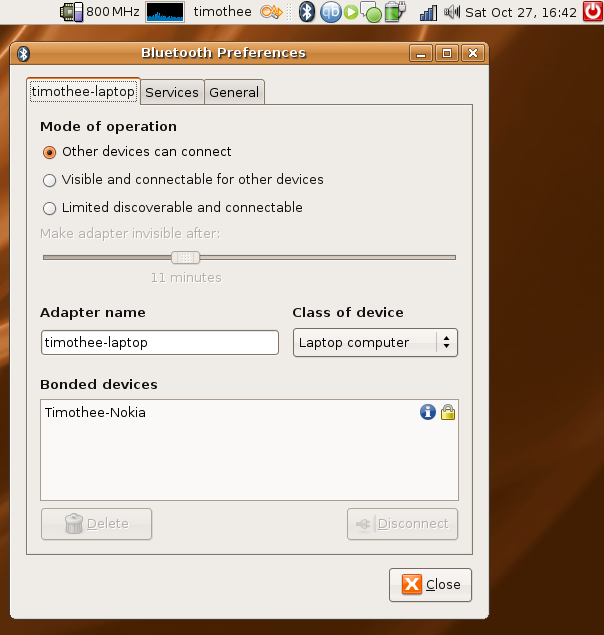
As previouly explained, I had to copy the firmware for my pcmcia card: and the nice BT icon appears:
Opensync:
Opensycn is a framework to synchronise differents devices, still alpha but works great in my case.
Now, you will have to find the matching plugin for your device:
http://www.opensync.org/wiki/DeviceCompatibilityList
And install the proper package, there is no Gusty 7.10 version for opensync but the packages for the previous one 7.04 feisty works fine.
You can download packages(.deb) on this page:
http://opensync.gforge.punktart.de/repo/opensync-0.21/feisty (hope I will remember to change this part as soon there is a repo for the 7.10)
Download and install the following packages:
The framework:
libopensync0
The plugins:
libopensync-plugin-google-calendar
libopensync-plugin-file
libopensync-plugin-evolution2
And the synchronisation tools:
libopensync-plugin-gnokii (in my case: see on the DeviceConpatibilityList above)
A GUI:
multisync-gui
Then you can add a launcher on your pannel:
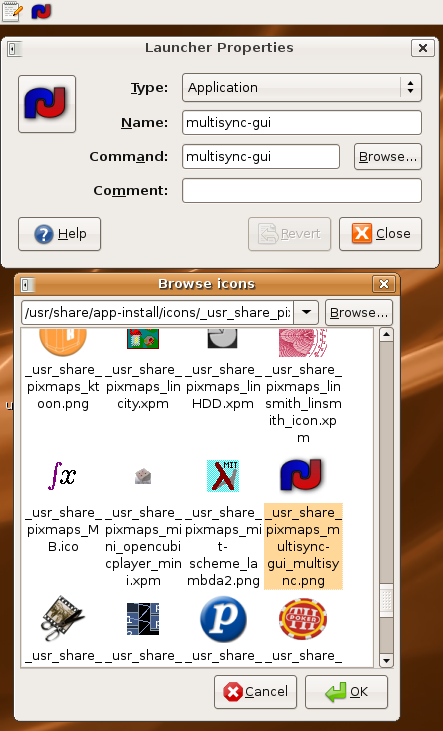
Start it and add a group, named whaterver you want:
Then add to this group a member, depending on your configuration, either the bluetooth address or the /dev
To get your bluetooth Mac, type hcitool scan in a terminal.
Add another member, the module you want to sync: either Evolution or Google Calendar
Click on synchronise, pass the Bluetooth key, and enjoy.
Because I was using Thunderbird previously, I had to export my mail to Evolution.
You can add google calendar in Evoltion, that’s nice easy and efficient.