Ubuntu 9.04 on eeePC 901

Just a outlook on the new Jaunty

Pretty sleek and flawless for an eeePC 901, everything work:

-wifi

-camera

-bluetooth

-hotkey (but the wireless/bt)

-suspend

Hot stuf:

26 second with 2Gb ram on a Atom 1.6, wifi connected.

Not bad, closer and closer to the Xandros (16s) and WinXP(24s)
First OpenOffice 3
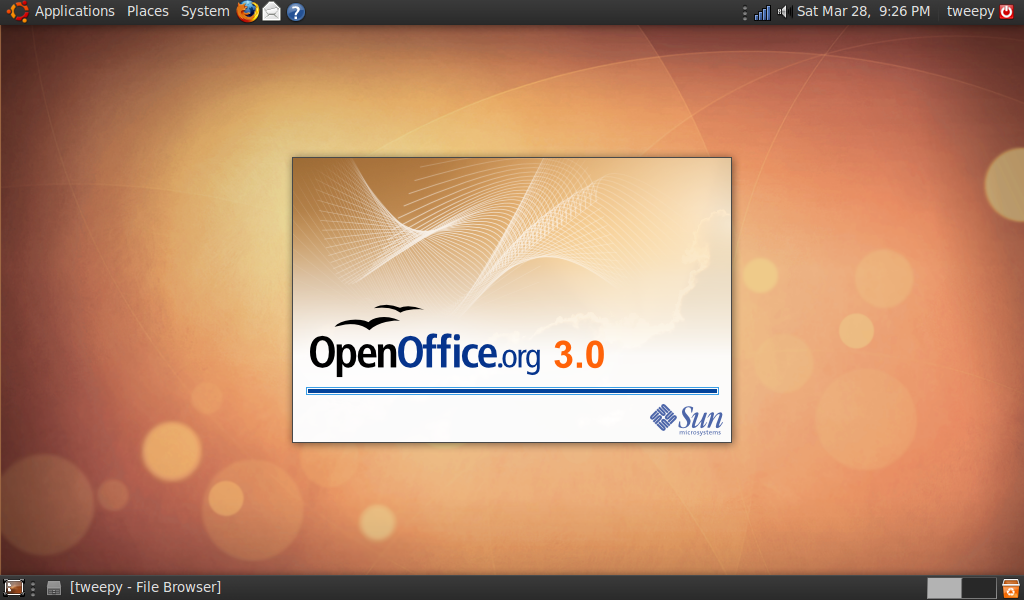
904-ooo.png
Janitor: to clean and remove old and non-used packages

904-ooo.png

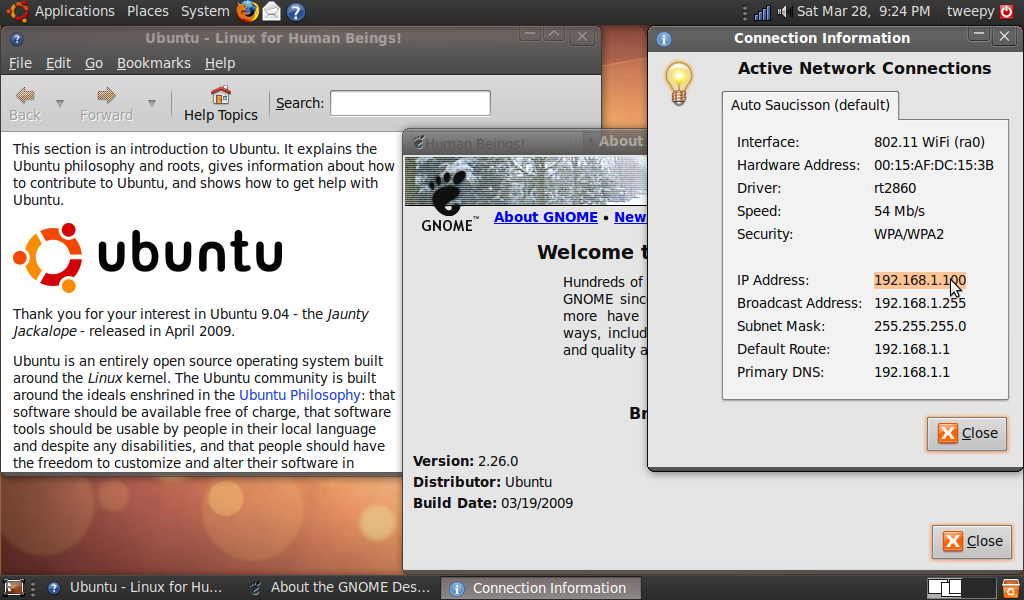
Very important: my claimed bug: selectable network’s information
904-nm.png

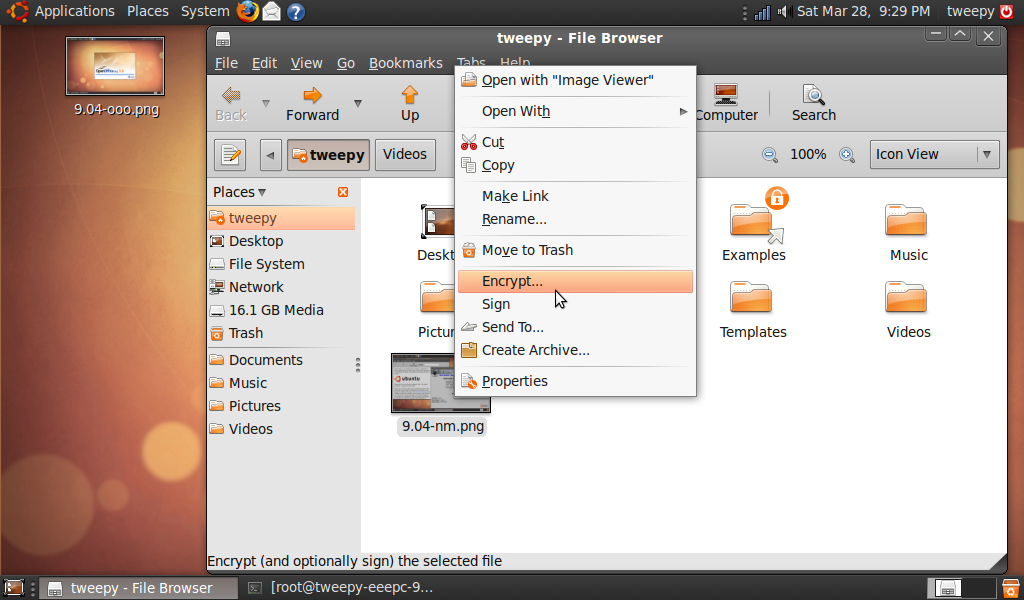
But huge disappointment: cannot resize nor rotate pics in nautilus:
904-pics.png

Anyway, this new version, once again sounds promising. Stay tuned for tip and tricks.
Relakks, Hadopi, take it easyyyyy

Voila une des solution au lois anti internet qui ressurgissent chaques années à l’assemblé:

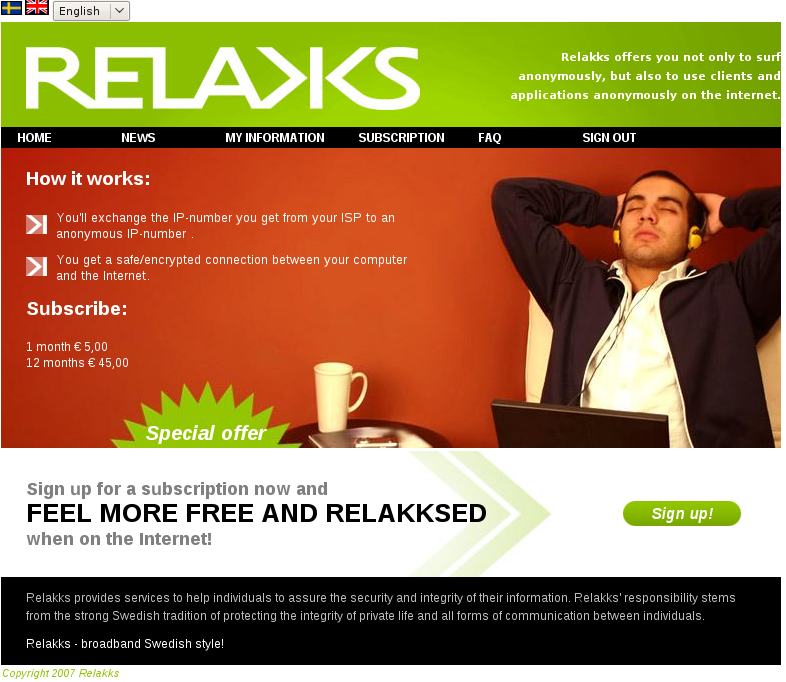
https://www.relakks.com/

C’est un service VPN payant hébergé en Suède

relakks.png
S’inscrire, payer (5€ pour 1 mois)

Installer le client VPN:

sudo apt-get install network-manager-pptp

Click sur l’icone de la connexion réseau=> Connexion VPN=>Configure VPN

Ajouter=> PPTP protocol=>Crréer
Nom de connexion: Relakks

Passerelle: pptp.relakks.com

Nom d’utilisateur et mot de passe: celui fourni lors de l’inscription

Avancé=> Selectionner: Utiliser encryption Point à Point (MPPE)

Puis enfin pour se connecter:

Click sur connexion réseau=> Connexion VPN=>Relakks

vpn.png

Voilà!!!, rien d’autre à faire

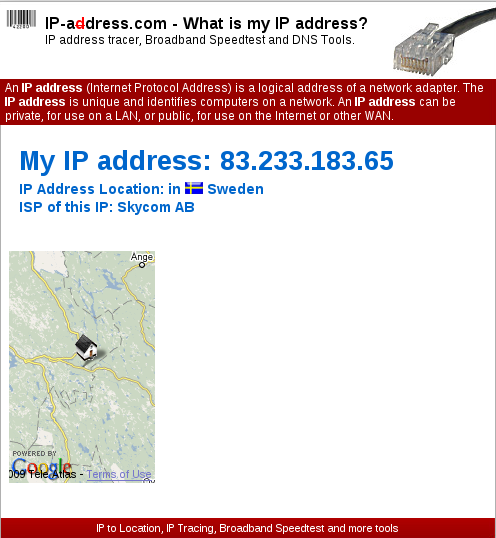
On checke l’ip:

ip.png

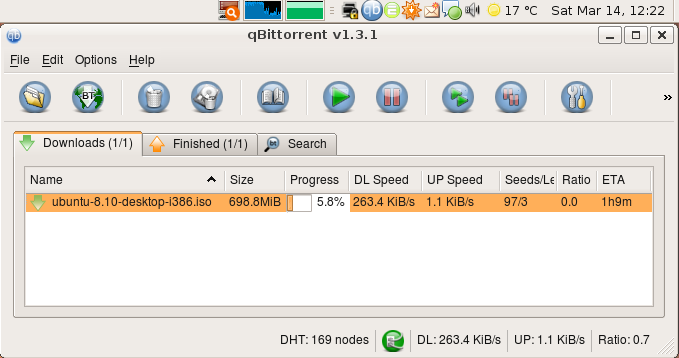
Puis un petit torrent pour voir le débit max, test avec VPN Relakks:
268.png

Une bonne moyenne à 250ko/s

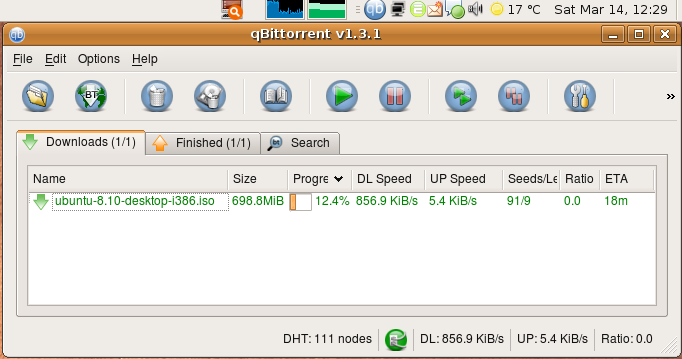
Testons maintenant sans VPN Relakks:

856.png

un bon 850ko/s sur un torrent légal, connexion Free dégoupé.

Conclusion:

La connexion est stable et constante, certe limité à quelques centaines de ko/s, mais largement suffisant.

Pour 5€/mois ou 45€/ans, cela rend le projet d’Albanel quaduc avec sa haute hautorité coutant 65M€ aux contribuables.

Un mythe s’effondre

Quand j’ai un doute sur l’orthographe, je fais une recherche Google avec les 2 orthographes sur lesquelles j’hésite.

  • Recherche avec : “acceuil” -> 376 000 000 résultats
  • Recherche avec : “accueil” -> 372 000 000 résultats

Sans commentaire…

Total licencie, et alors ?

Total annonce un licenciement de quelques centaines de personnes.
“Tolé” général, nous avons de chaque côté :

  • politiques (tous bords confondus), medias (publics et privés) et syndicalistes (de tous bords) qui argumentent que :

“Total ayant engrangé 14 milliards de bénéfices l’an dernier, il n’est pas question de parler de licenciement”

  • représentants de Total qui argumentent que :

“La consommation de pétrole ayant baissé, il n’est pas question de raffiner du pétrole pour le plaisir, les licenciements (non renouvellement de poste après départ à la retraite ou reclassement) auront lieu”

Quel est l’argument le plus recevable ? Evidemment Total, et ce n’est que le début de la baisse de la production de pétrole (alias de la consommation) et de la refonte de la société. En route pour la société v2.0.

Reset default theme in drupal without admin / with mysql

You will find usefull information about this in this article: http://drupal.org/node/200774

Situation:
Either you have installed or modified a theme that just breaks everything, or you’ve deleted the current theme without disabling it first.

As you’ve now learned, you should have switched out of the theme via administration before destroying it, because you are left with nothing or almost nothing as a UI to work with now.

But we can probably recover.

If you see some content but no navigation blocks
We can fix up the themes by going directly to the required pages.

  1. You’ll have to be logged on, so enter http://example.com/?q=user in the browser. Logon as normal. (use your own Drupal path of course)
  2. Enter http://example.com/?q=admin/build/themes (D5) or http://example.com/?q=admin/themes (D4) to see a version of the themes page. Select a valid theme (eg BlueMarine) and things should be in a state where you can continue.

If you see no content at all, maybe garbage or a totally blank screen or the above doesn’t work…
We need to do surgery on the database.
It’s easier if you choose a theme name that you know used to work, eg ‘garland’ or ‘bluemarine’ for D4.

Either on the commandline, or via an administration interface (eg PHPMyAdmin) enter the following query

UPDATE system SET status=1 WHERE name = 'garland';

Then either:

UPDATE variable SET value='s:7:"garland"' WHERE name = 'theme_default';
TRUNCATE cache;

Note that ‘s:7’ refers to the length of the following string. Modify as needed. This is database surgery, tricky stuff.
OR
If you are using per-user themes, and you’ve just messed it up for yourself as admin, try

UPDATE users SET theme='garland' WHERE uid = '1';

Be careful, as getting either of those lines wrong can mess things up just as badly.

If you see some of the theme, but no navigation blocks, you may be able to proceed as in the first case, described above.

That didn’t work
It’s hard to guess how badly your system is damaged at this point. Did you delete the phptemplate directory?
Try re-uploading the entire contents of the /themes directory from a clean distribution of the exact same version of Drupal.

Posted in Dev

df not updated

If you rm some big file and you don’t recover your space disk (df shows your device always full), you can check if there is some process using your deleted file with :

ls -ld /proc/*/fd/* 2>&1 | fgrep ‘(deleted)’

You simply have to kill these processes which are still using your file.